

GUIDES · KPLAWY
Instant replay guides for sports
Straight answers and court-tested setups: understand the buffer, place your phone, trigger from your watch and save only the seconds that matter.
Start here
What instant replay is and how to save a play after it happens.

How to save only your best plays (no full game)
Stop filling your phone with hours of video: save only the best plays with a continuous buffer and REPLAY after the point.
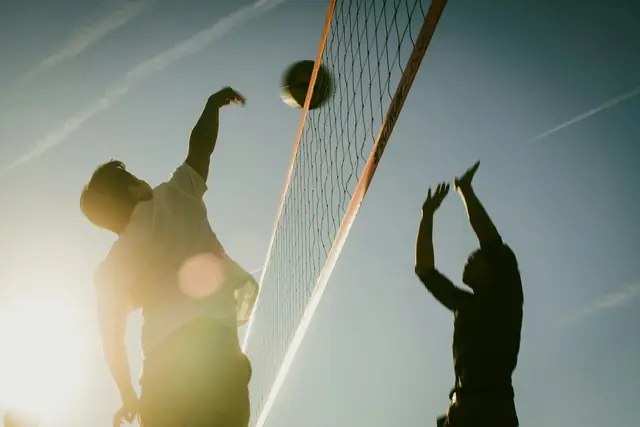
How to record a play after it already happened
Understand the continuous buffer: why you can save a play that already happened without pressing record first, and the step-by-step in KplaWY.
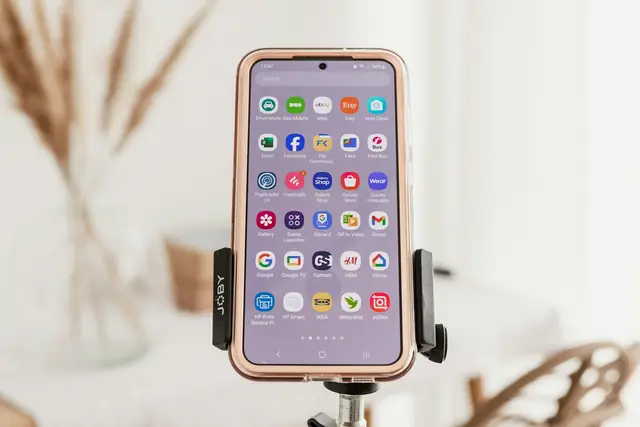
What is instant replay? How a replay camera works
What instant replay is, how the buffer saves seconds after the play, how it differs from normal recording, and when to use KplaWY.

Record the whole game or just the highlights?
The storage math: how much 2 hours of 1080p footage weighs, how much replay clips weigh, and when each approach makes sense.
By sport
How to place your phone and set up replay for each sport.
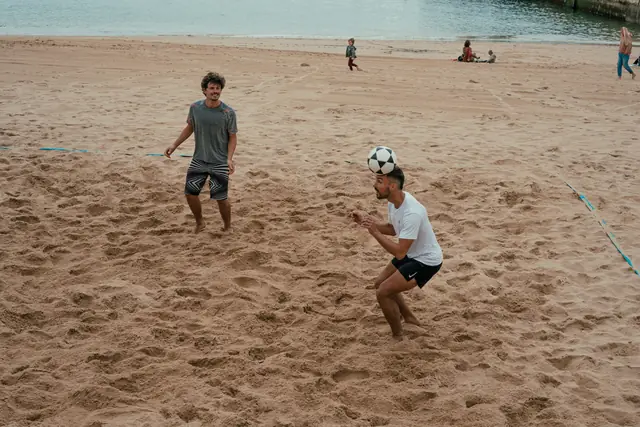
Footvolley replay: record every point by phone
How to film footvolley alone: tripod position, full-court framing, buffer length, and watch-triggered REPLAY after every rally.
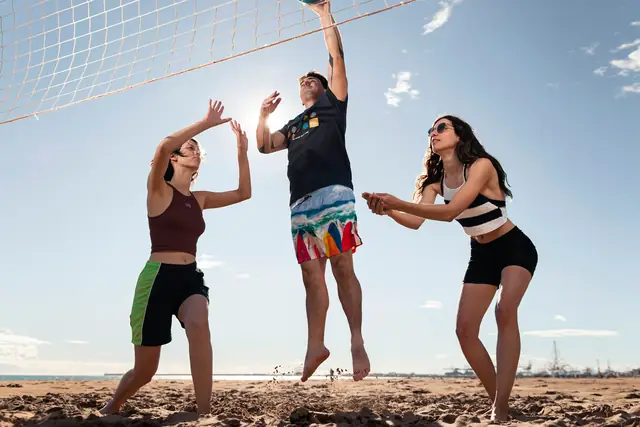
How to film volleyball without a camera operator
Phone setup at the court, the right framing, who saves the replay, and how to use a smartwatch or Bluetooth button without stopping the game.
Features
Smartwatch, remote control and multi-camera mid-game.

Multi-camera replay with several phones
How Pro Multi-Camera syncs several phones on the same play: real scenarios, phone positioning, honest limitations and when it pays off.
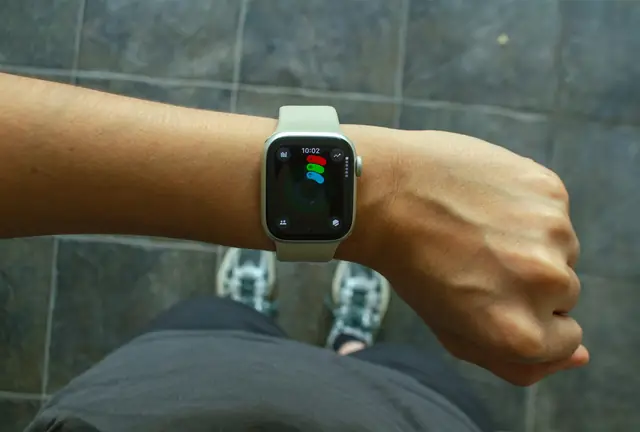
Instant replay from Apple Watch and Wear OS
How to trigger REPLAY from your watch: why the wrist is the best remote mid-game, plus Apple Watch and Wear OS setup in a few steps.
Comparisons
Honest criteria to choose a replay app.
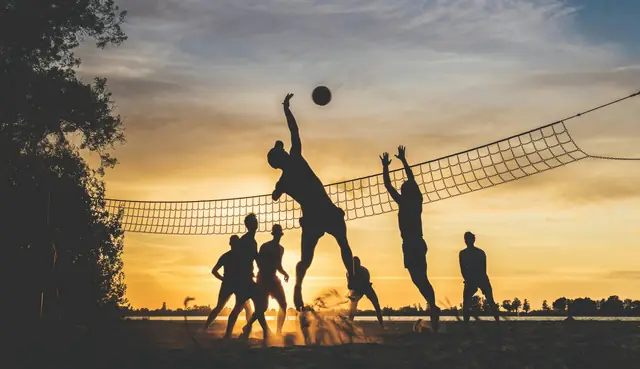
Try KplaWY at your next game
Free to start on iPhone and Android. No ads, records offline.