
Free
$0 forever
- 10-second replay
- Unlimited clips
- Front and rear cameras
- Fast sharing
- Offline capture and saving
With KplaWY, your phone holds on to the last few seconds of the game, nonstop and without filling up your storage. Great play? One tap on your watch turns it into a clip.
How it works
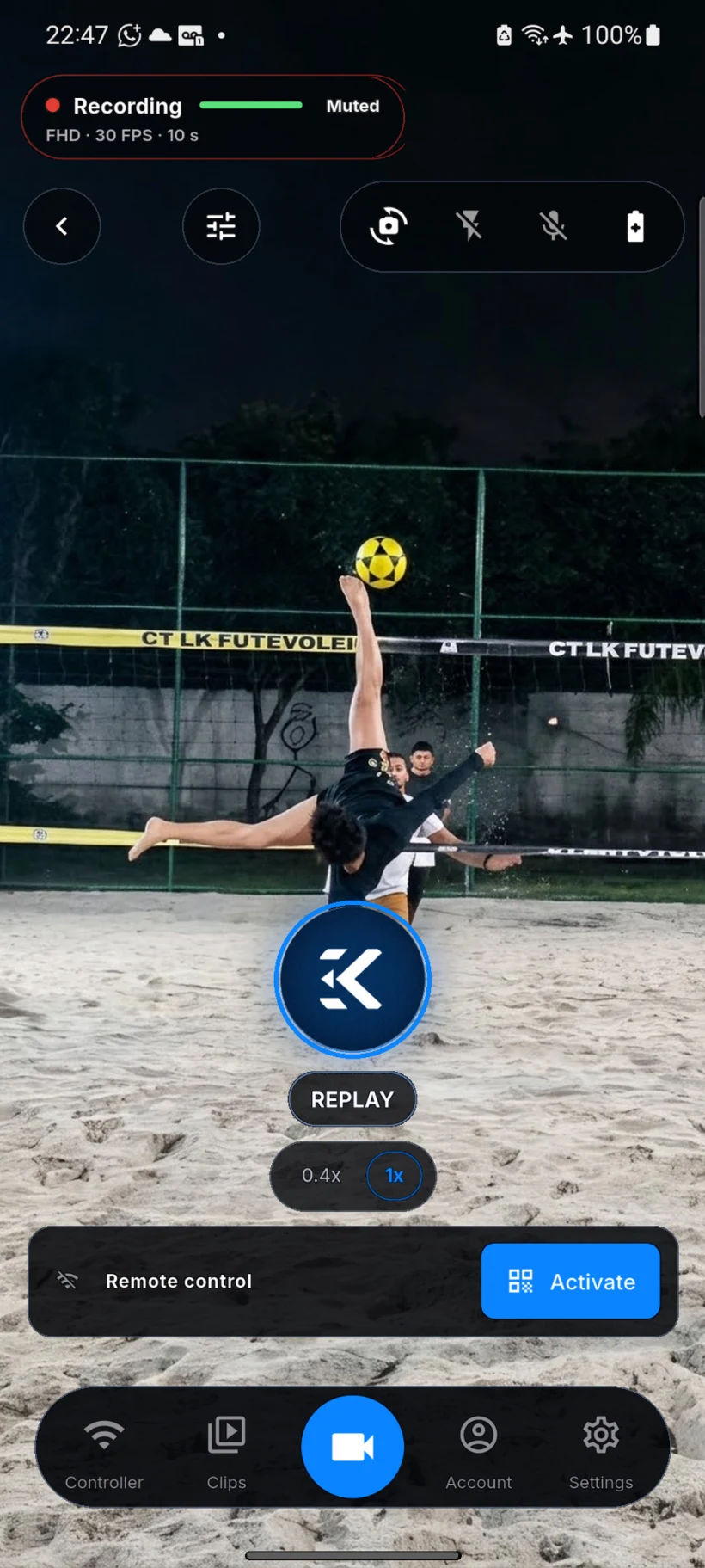
KplaWY records in a loop and keeps only the last few seconds. You never press REC early or miss the play: you decide after it happens.
Buffer
Match the replay window to the pace of your sport. The app always keeps the last few seconds ready to save.
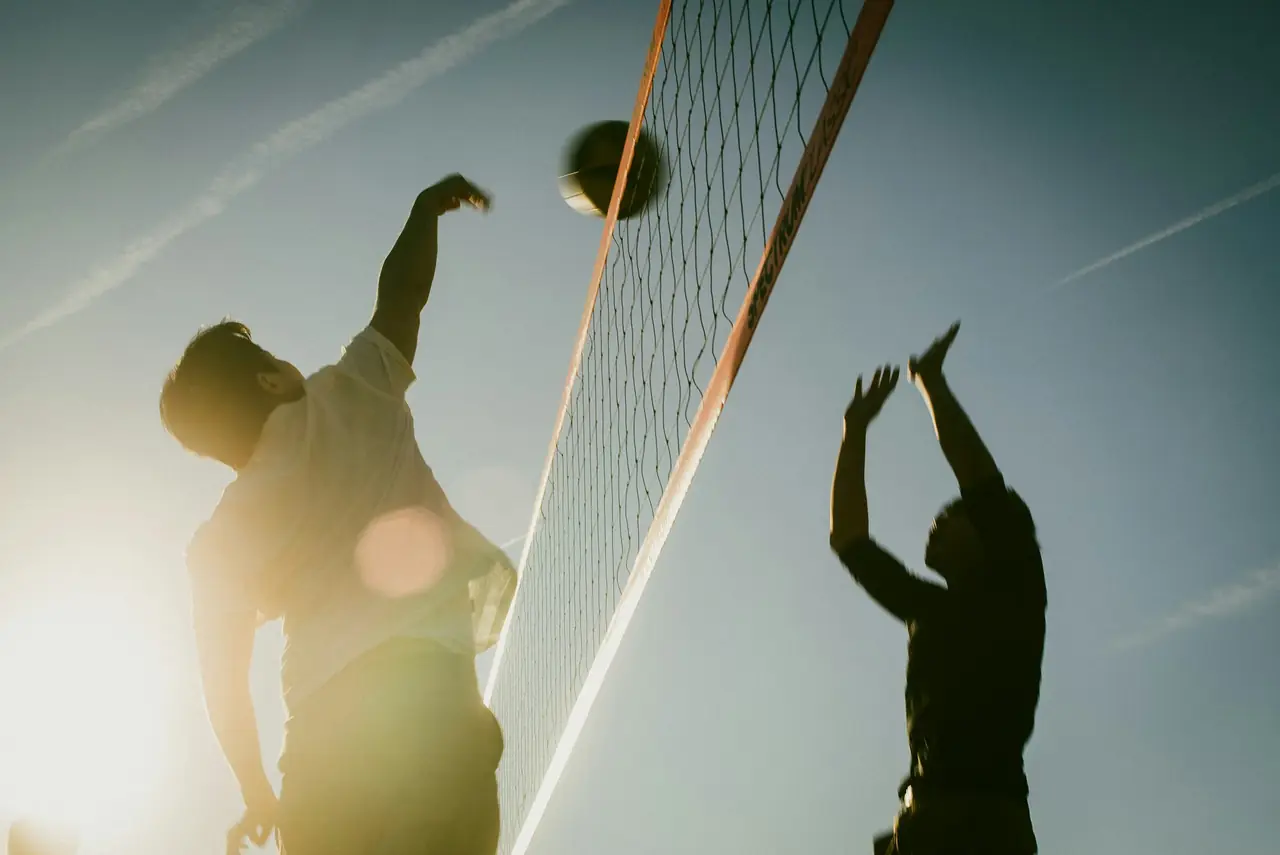
Quick points: serves, attacks, reflex digs.
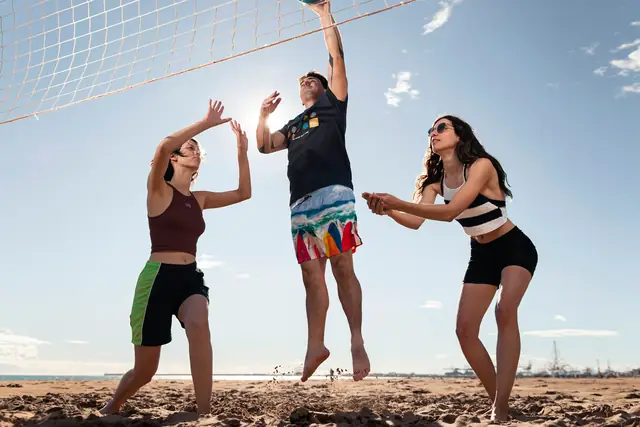
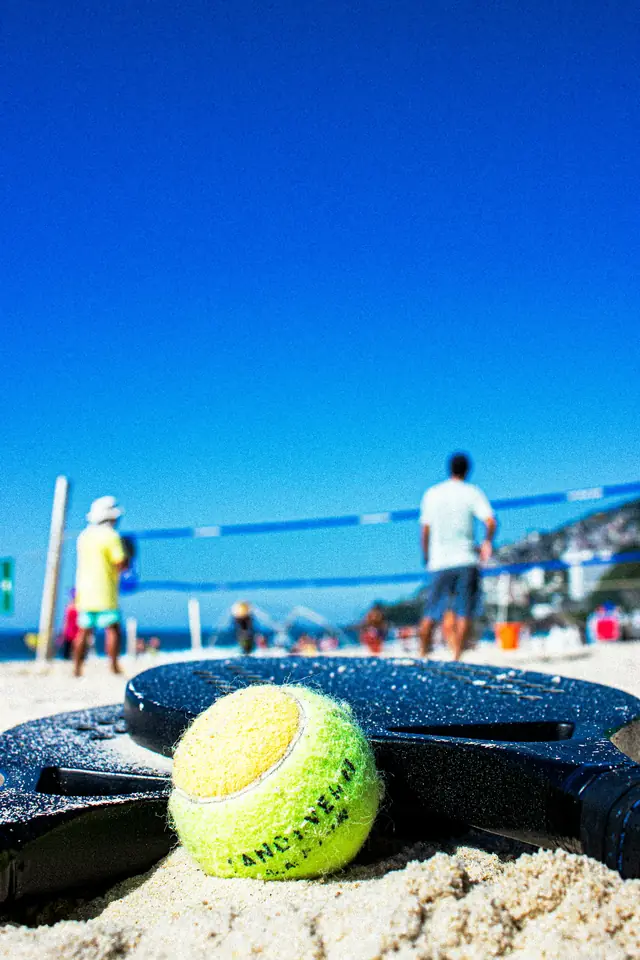
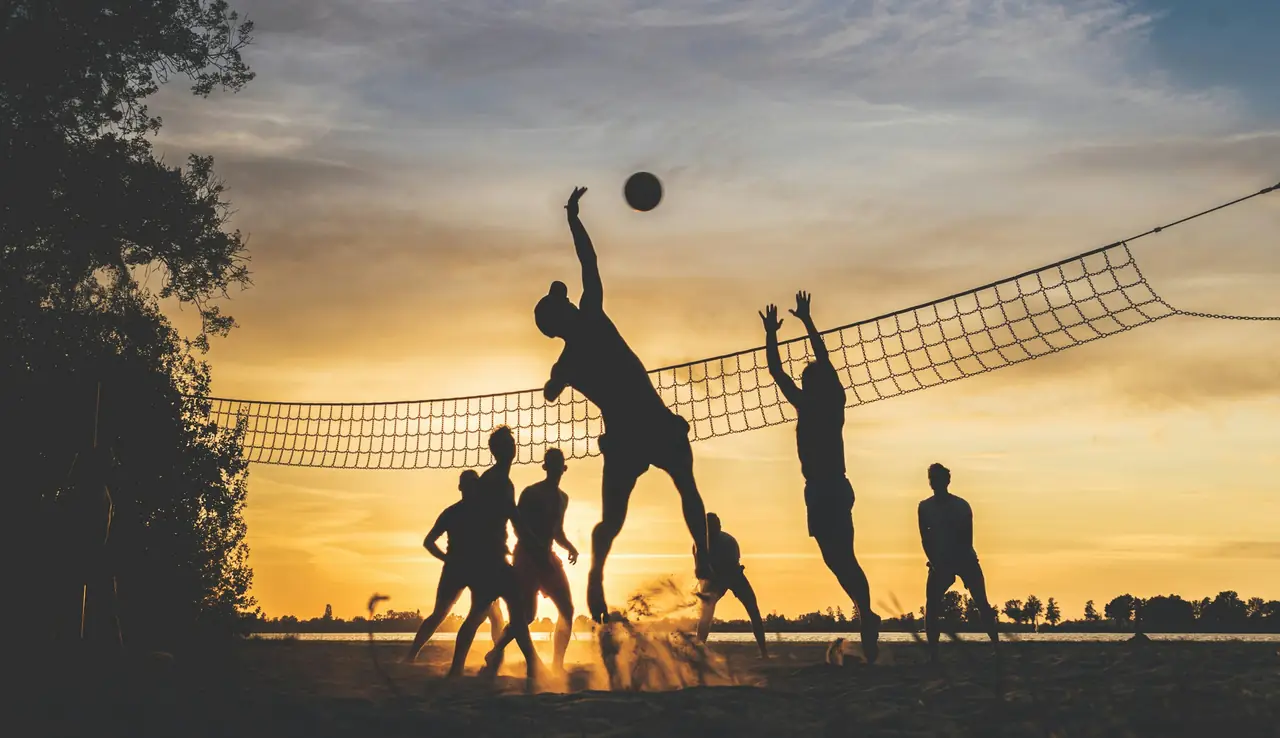
Beach volleyball, tennis and padel rallies.
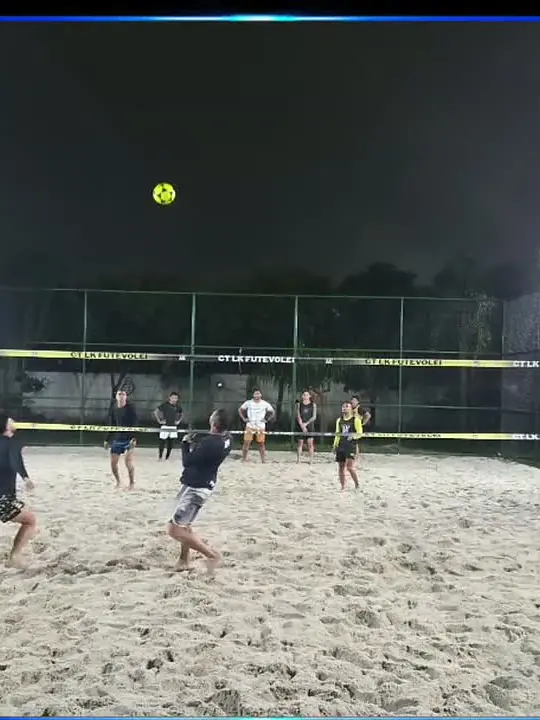
Footvolley rallies and plays built from the serve or the kickoff.
Long plays and technical drills with feedback.
Free already saves unlimited 10-second replays. Pro unlocks 22, 30 and 50 seconds.
Why it exists
“I did not want to record an hour to use ten seconds.”
Natan Kaway, founder of KplaWY Read the story →
Sports
If your phone can frame the action, KplaWY saves the play. See how to set it up for your sport.
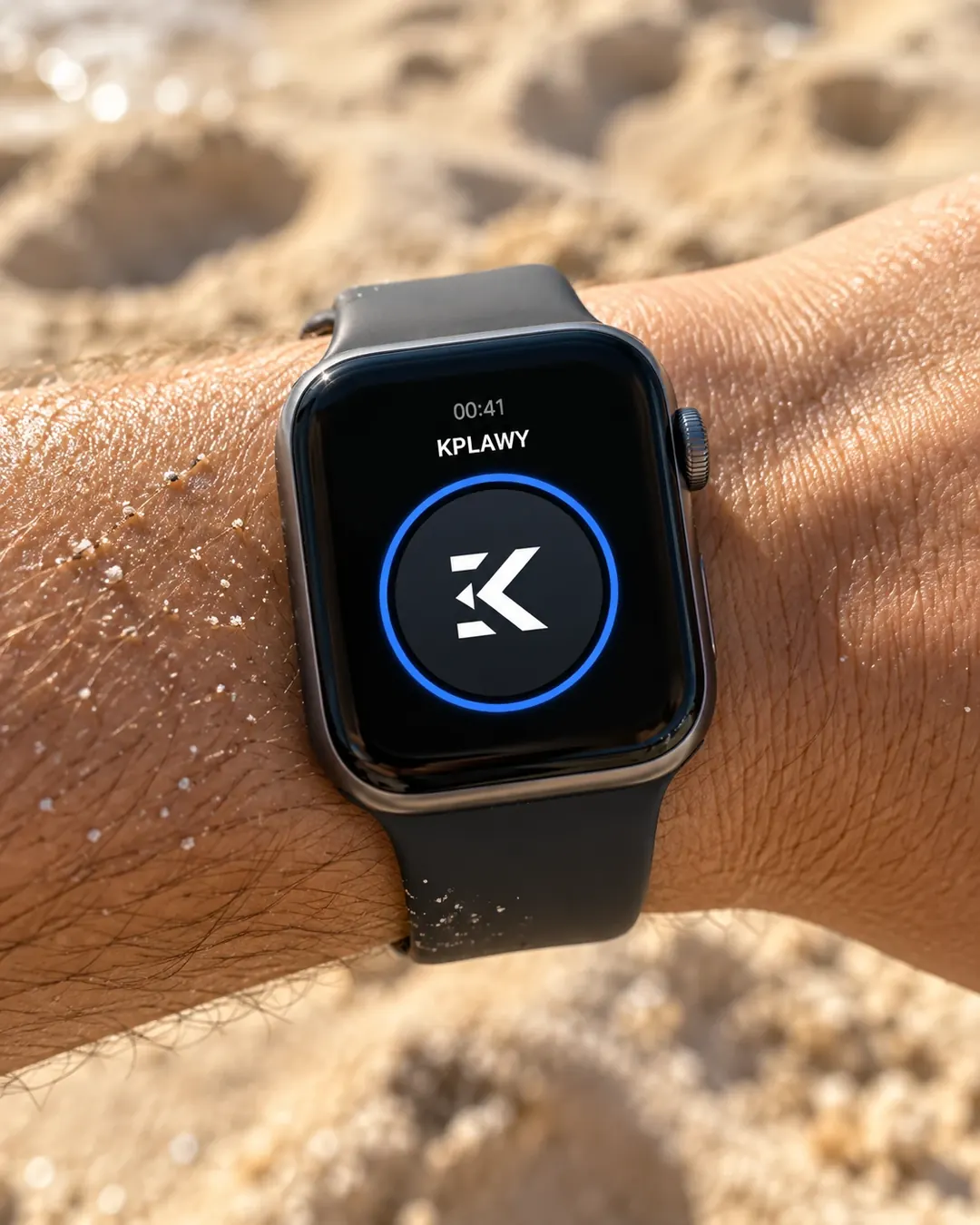
Remote control
Your phone stays on the tripod. You save the play with whatever is already on you.
Multi-Camera
Connect two or more phones and they all save the same play at the same time, each from its own angle.
KplaWY Pro
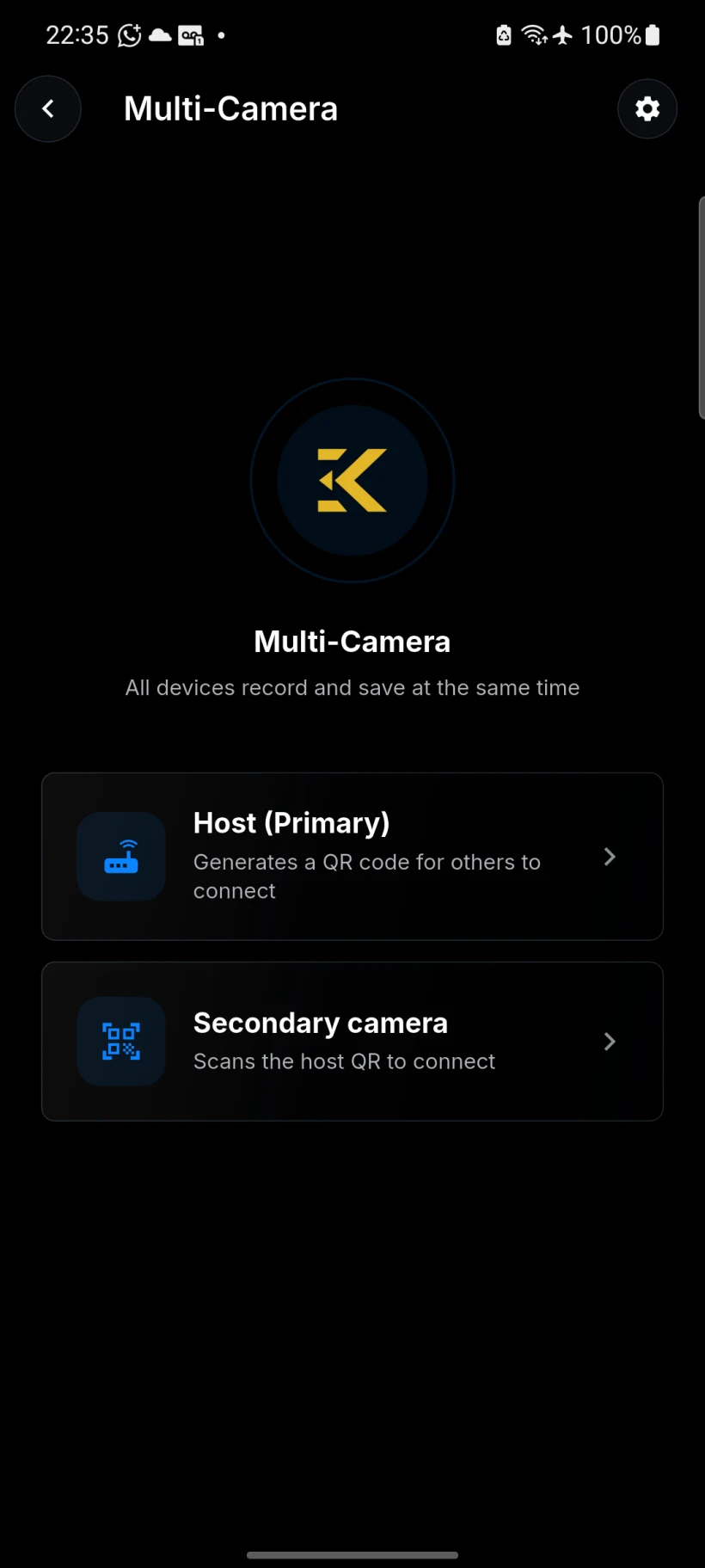
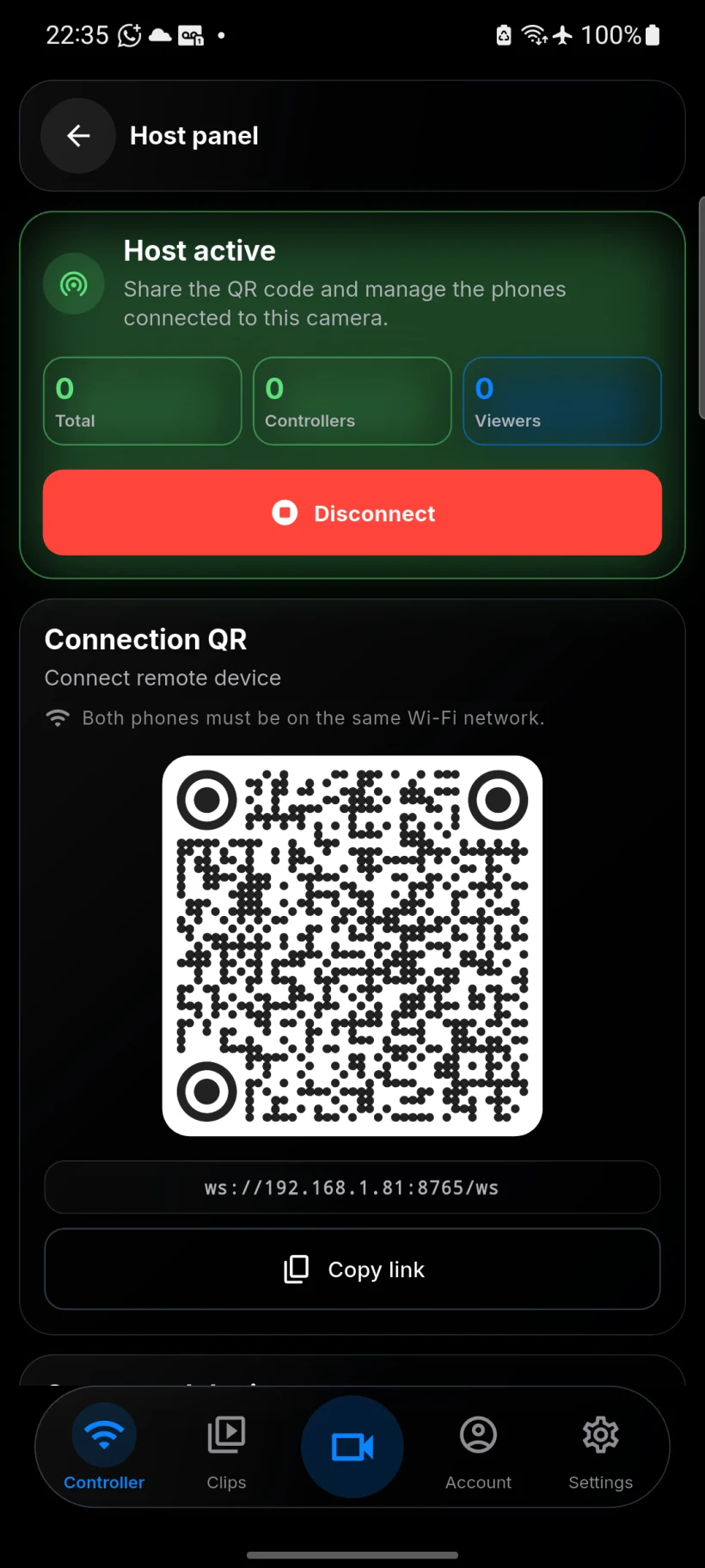
The app
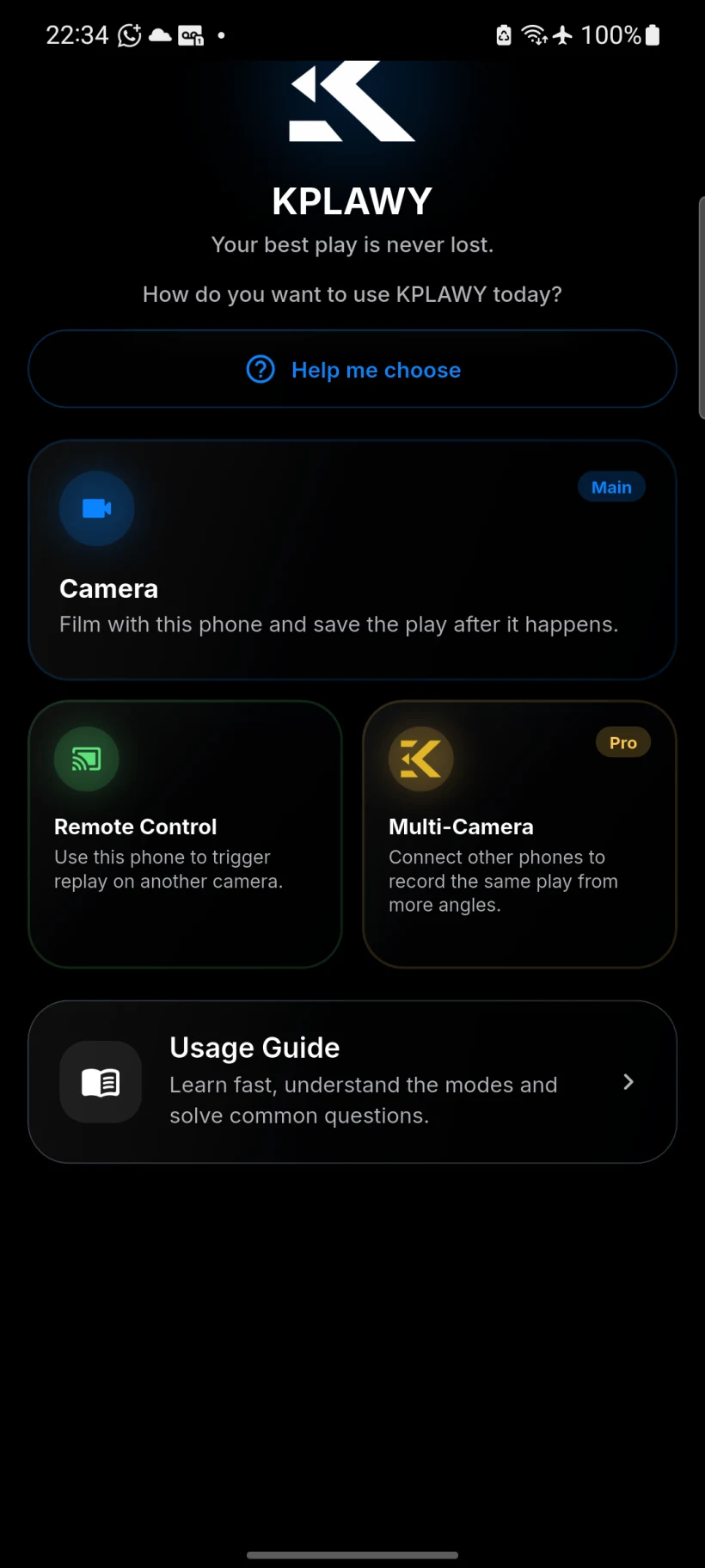
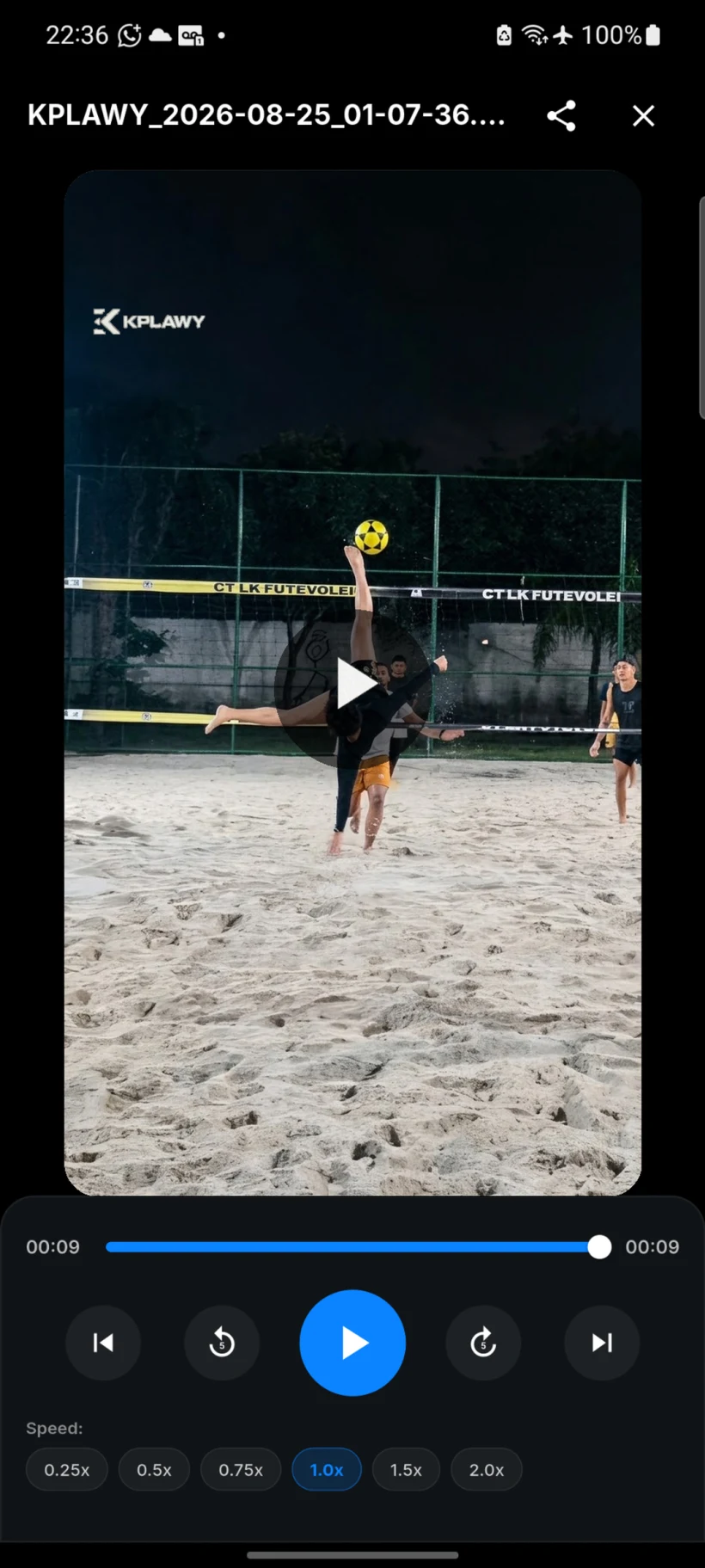
Real app screens: pick a mode, keep the camera ready, trigger from a distance and watch the clip.
Pricing
The essentials are free forever. Pro unlocks the complete system, with a 7-day free trial.
$0 forever
Save 33% yearly
$4.99 /month
or $39.99/year · 7 days free
Subscriptions are purchased in the app. App Store prices; they may vary by store.
Questions
KplaWY is an instant replay app for iPhone and Android. Your phone keeps the last few seconds of video in a rolling buffer, and when a great play happens, one tap saves that moment as a clip. You never record the whole game or guess when to hit REC: you decide after the play is over.
KplaWY runs a buffer: a short window of video that refreshes constantly and throws away whatever is older. When you tap REPLAY on the phone, your watch or another device, the seconds before the tap become a clip saved on your device, ready to watch in slow motion and share.
The Free plan is free forever, with unlimited 10-second replays and no ads. KplaWY Pro costs $4.99 per month or $39.99 per year on the App Store and unlocks 22, 30 and 50-second replays, Multi-Camera and cloud backup. You can try Pro free for 7 days before you pay.
Yes. Capturing and saving replays happens on the phone itself, with no internet, so it works on the beach, on the court or on a field with no signal. You only need a connection to create an account, make in-app purchases and use cloud backup, if you choose to turn it on.
Yes. With the app on Apple Watch (watchOS 9 or later) or a Wear OS watch such as Galaxy Watch, you save the replay with one tap on your wrist, without walking back to the phone that is filming. You can also trigger it with a compatible Bluetooth button or another phone on the same network.
Court-installed replay systems use the venue's fixed cameras and only work at that location. KplaWY runs on your phone: you take it to any court, beach, field or practice session, choose the angle yourself and keep the clips on your own device, without depending on the venue's equipment.
Any sport where your phone can frame the action. It works well for footvolley, beach volleyball, beach tennis, soccer, tennis and padel, and also for skateboarding, technical drills and coaching sessions. Just match the replay length to the pace of the game: quick points need fewer seconds.
Yes. KplaWY is on the App Store for iPhone running iOS 16 or later and on Google Play for Android phones. The Free plan and the Pro subscription work in both stores, and the watch app follows each platform: Apple Watch with iPhone and Wear OS with Android.
Guides
Court-tested setups by sport and by feature.
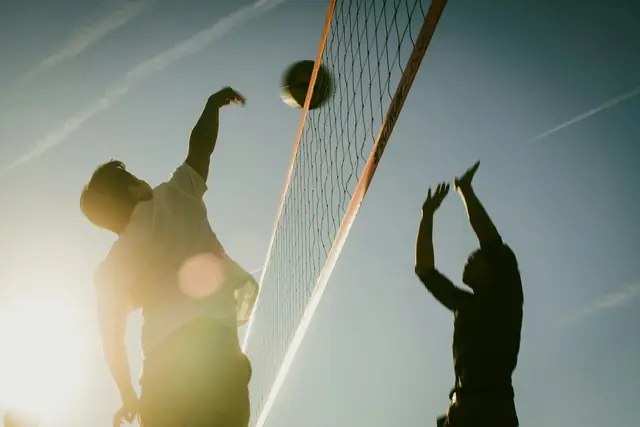
Understand the continuous buffer: why you can save a play that already happened without pressing record first, and the step-by-step in KplaWY.
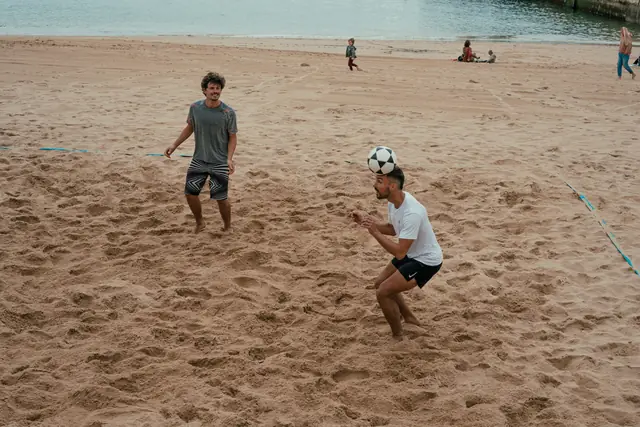
How to film footvolley alone: tripod position, full-court framing, buffer length, and watch-triggered REPLAY after every rally.
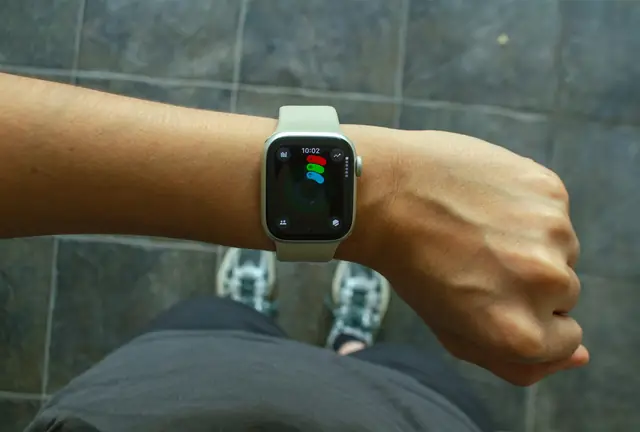
How to trigger REPLAY from your watch: why the wrist is the best remote mid-game, plus Apple Watch and Wear OS setup in a few steps.
Free · iPhone and Android